Staying Safe While You Explore
Discovering new websites should feel exciting, not nerve-racking. These four stops cover the habits that stop most problems before they start, using free tools anyone can learn in an afternoon.
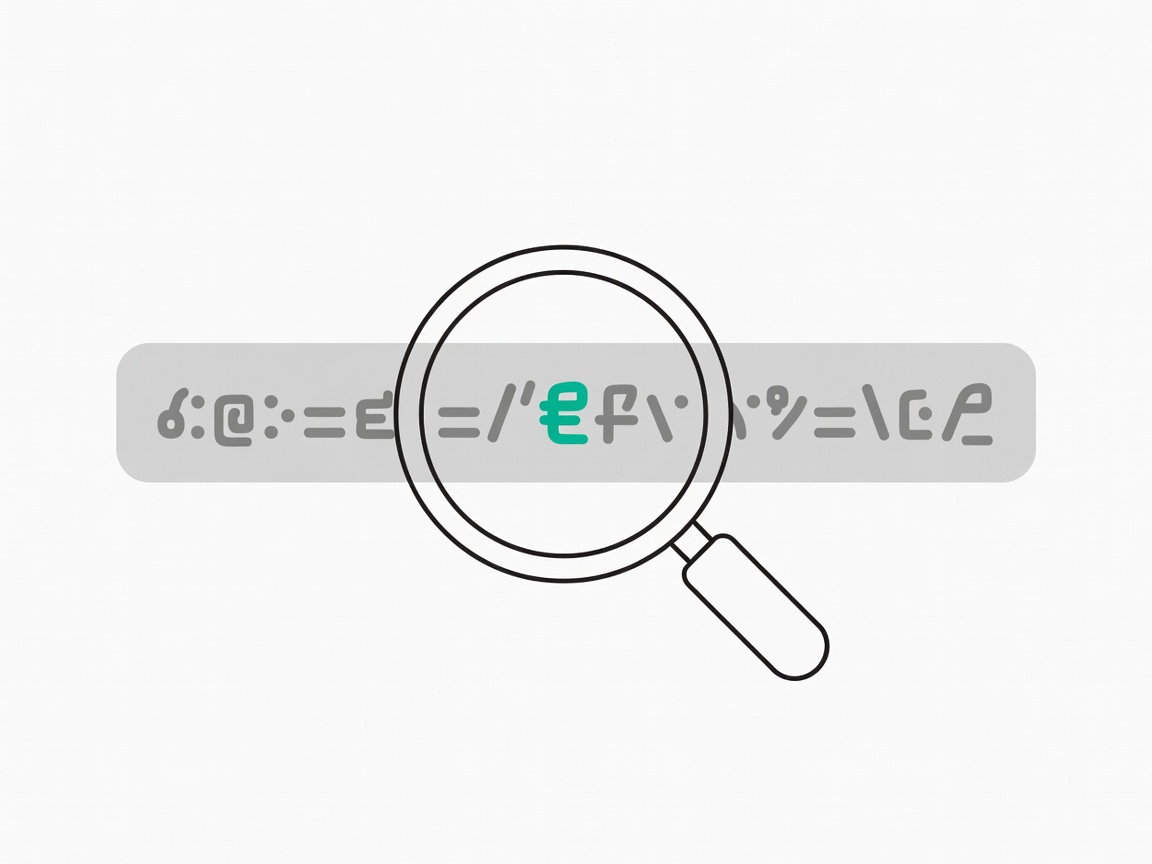
Read the address before the page
The task: telling a real site from a convincing copy. Scammers rely on lookalike addresses such as extra letters, swapped characters or familiar names buried in a long domain. The part that matters is the name just before the first single slash, so in login.example.com.secure-check.net the real owner is secure-check.net.
The padlock icon only means the connection is encrypted. Free certificates from services like Let's Encrypt are great for the web, but phishing sites use them too. Treat the padlock as a minimum, never as proof of honesty.
Tools for this stop: your own eyes, plus bookmarks for banks and shops so you never type their address from an email.
Check a link before you click
The task: a message with a link that looks a bit off. On a computer, hover over the link to see the real destination in the corner of your browser. On a phone, press and hold to preview it.
Still unsure? Copy the address, without opening it, into VirusTotal, which checks it against dozens of security vendors at once. Google's Transparency Report also has a Safe Browsing site status tool that tells you whether a site is currently flagged as dangerous. If a message pushes urgency, like "act within 24 hours", that is a reason to slow down.
Tools for this stop: link hovering, VirusTotal and Google Safe Browsing site status.
Lock down your accounts
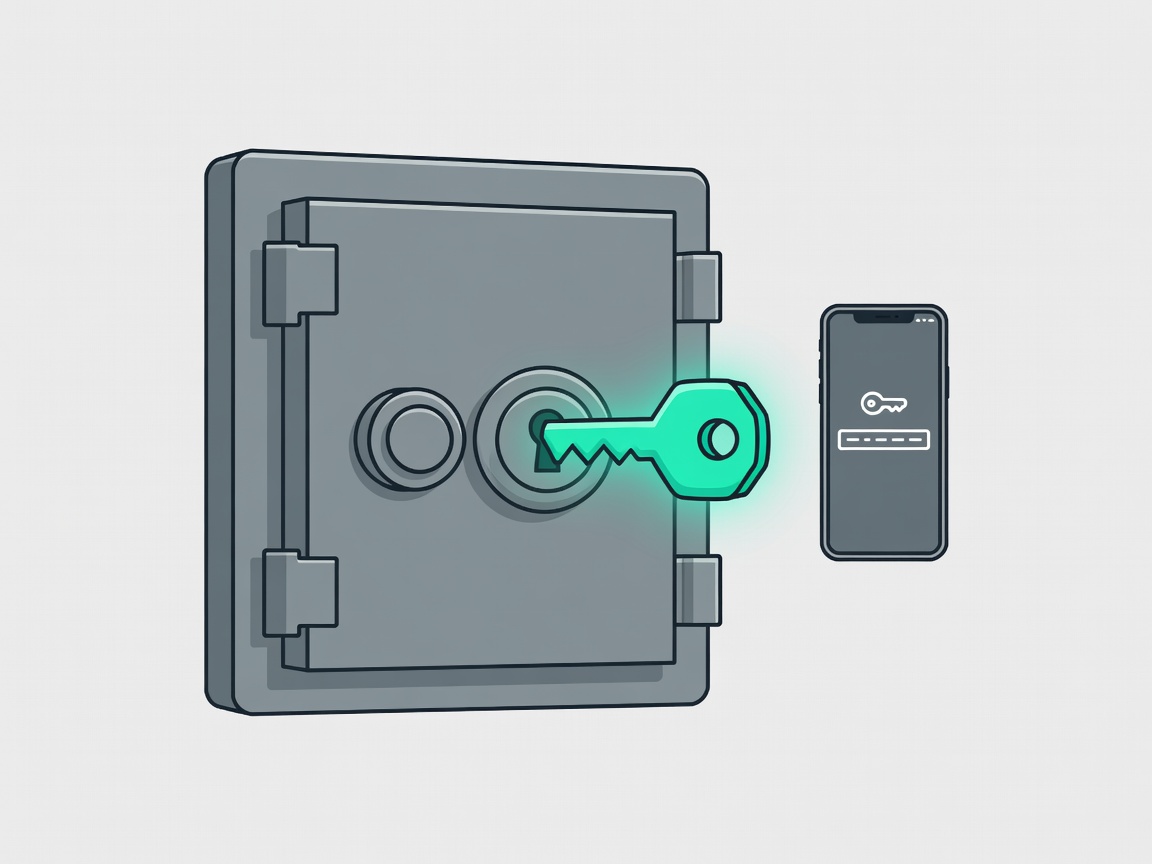
The task: making sure one leaked password cannot open every door. Start with Have I Been Pwned, the free service created by security researcher Troy Hunt. Enter your email to see which known breaches included it.
Next, let a password manager such as Bitwarden create a long, unique password for every account. Current guidance from the US National Institute of Standards and Technology (NIST SP 800-63B) favours length over complicated symbol rules. Where sites offer passkeys, a standard backed by the FIDO Alliance, use them: there is nothing to type and nothing to phish. Add two-factor sign-in to email first, because email resets everything else.
Tools for this stop: Have I Been Pwned, Bitwarden, passkeys and an authenticator app.
Download with care and stay updated
The task: installing a free app without collecting extra surprises. Download software from the developer's own website or an official app store, and skip "download now" buttons that are really adverts. During installation, read each screen and untick offers for toolbars or extra programs.
Keep your browser and operating system on automatic updates; most attacks target holes that were already fixed. Curious how trackable your browser is? The EFF's Cover Your Tracks test shows how unique your setup looks to advertisers.
Tools for this stop: official app stores, automatic updates and EFF Cover Your Tracks.
If something does go wrong
Mistakes happen to careful people too. If you typed a password into a fake page, change it immediately on the real site and anywhere you reused it, then turn on two-factor sign-in. If you shared card details, call your bank using the number on the back of your card. In the UK you can report phishing emails by forwarding them to [email protected].
Safe explorer checklist
- Read the real domain before entering anything
- Hover or long-press to preview links
- Scan doubtful links with VirusTotal
- Use a password manager and unique passwords
- Turn on two-factor sign-in, starting with email
- Keep automatic updates switched on