Tools for Lists, Notes and Focus
You do not need a complicated system to feel on top of things. You need one trusted place for each kind of thought. These four stops match everyday jobs with apps that stay out of your way.
Capture every to-do
The task: getting tasks out of your head before they slip away. David Allen's book Getting Things Done, first published in 2001, popularised a simple idea: write everything down in a trusted inbox, then decide what to do with it later.
Todoist makes this quick. Type "pay council tax every first Monday" and it understands the date and repeat. Microsoft To Do is a friendly free alternative that ties neatly into Outlook, while Apple Reminders works well if you live in the Apple world. Pick one and use it for everything, from shopping lists to work deadlines.
Tools for this stop: Todoist, Microsoft To Do and Apple Reminders.
Keep notes you can find again
The task: recipes, ideas, meeting notes and Wi-Fi passwords for the holiday cottage, all scattered across apps. Google Keep is ideal for quick, colourful sticky notes with reminders. Notion suits people who like building pages, tables and shared wikis.
If you want notes that outlast any company, Obsidian stores everything as plain Markdown files on your own device and links ideas together. Standard Notes focuses on privacy with end-to-end encryption. Whatever you choose, check that it can export your notes, so you are never locked in.
Tools for this stop: Google Keep, Notion, Obsidian and Standard Notes.
See projects at a glance
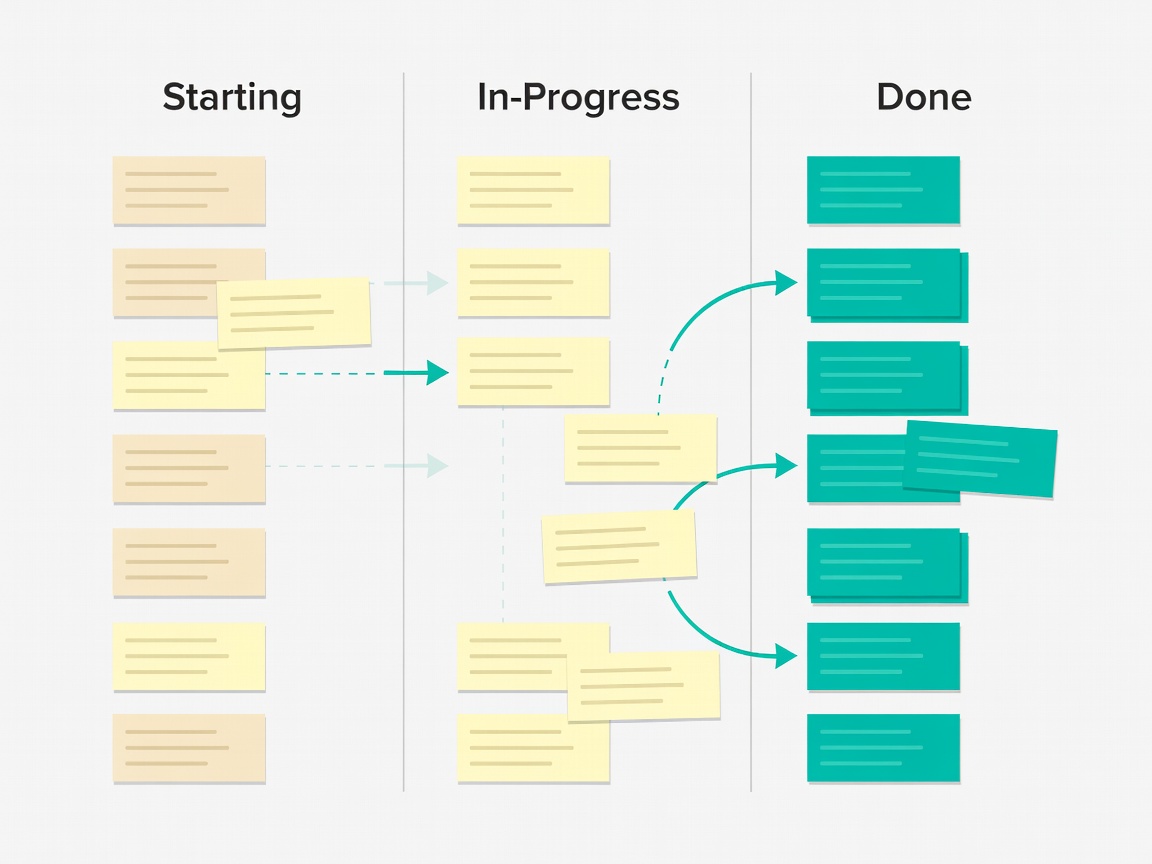
The task: planning a house move, a wedding or a club event with lots of moving parts. A board with columns such as "To do", "Doing" and "Done" shows progress instantly. The idea, known as Kanban, comes from Toyota's factory scheduling and works just as well for family projects.
Trello is the classic board app: drag cards between columns, add checklists and due dates, and invite others to collaborate. The free plan covers most personal projects comfortably.
Tools for this stop: Trello and any Kanban-style board.
Protect your focus
The task: actually doing the work instead of checking messages every three minutes. The Pomodoro Technique, created by Francesco Cirillo in the late 1980s and named after a tomato-shaped kitchen timer, uses 25 minutes of focus followed by a short break.
Any timer will do, but Forest makes it playful: a virtual tree grows while you stay off your phone. Pair it with the Focus or Do Not Disturb modes built into iOS, Android and Windows to silence everything except the people who truly need you.
Tools for this stop: a Pomodoro timer, Forest and built-in Focus modes.
Choosing without overthinking
The biggest trap in productivity is spending more time setting up apps than using them. Give a new tool two honest weeks. If you are still opening it daily, keep it; if not, export your data and move on without guilt. Most of the apps here have free plans, so the only real cost is your attention.
Organised-day checklist
- One app for tasks, one for notes, nothing more to start
- Capture first, sort later
- Review your list for five minutes each evening
- Use a board for projects with more than ten steps
- Protect one focused block every day
- Confirm every app can export your data